
How to Search Cases by Name
For a Washington County case lookup, use Minnesota Court Records Online, or MCRO, the public statewide route. Pick the Name route. Then choose Person or Business. On the person side, last and first name are marked required, and adding a middle name helps when a search turns up too many people.
- Choose Name in MCRO and select Person or Business.
- Enter the available name details, then select Washington from the county location choices if the search should stay local.
- Use the optional date-of-birth or date-filed controls only when they help distinguish similar names.
- Choose a case category or Active, Inactive, or All when the result set needs narrowing.
- Open Case Details for a public match and read the Register of Actions rather than treating the result list as the full record.
MCRO offers a few ways to refine a name search. Exact matching is supported. So are a trailing asterisk after enough characters and a Sounds Like option. Keep the wildcard and Sounds Like separate; they cannot be combined. One more caution applies to a Washington County docket search. Pending criminal, traffic, and petty-misdemeanor matters may be suppressed from defendant-name results. So a name that returns nothing does not prove the county has no case.
Washington MCRO Case Lookup Routes
A Washington County case lookup is not locked to one MCRO screen. Case Search opens the full case record. Document Search needs a known case number. It returns public online documents. Hearing Search fits a question about a person, case, judicial officer, attorney, or hearing date. Judgment Search is the narrowest, covering docketed monetary judgments and their satisfactions.
The Document Search source shows the case-number route in action. Its results help. But a document index number does not guarantee a public PDF online. Open Case Details to see the linked register entries and public case information.
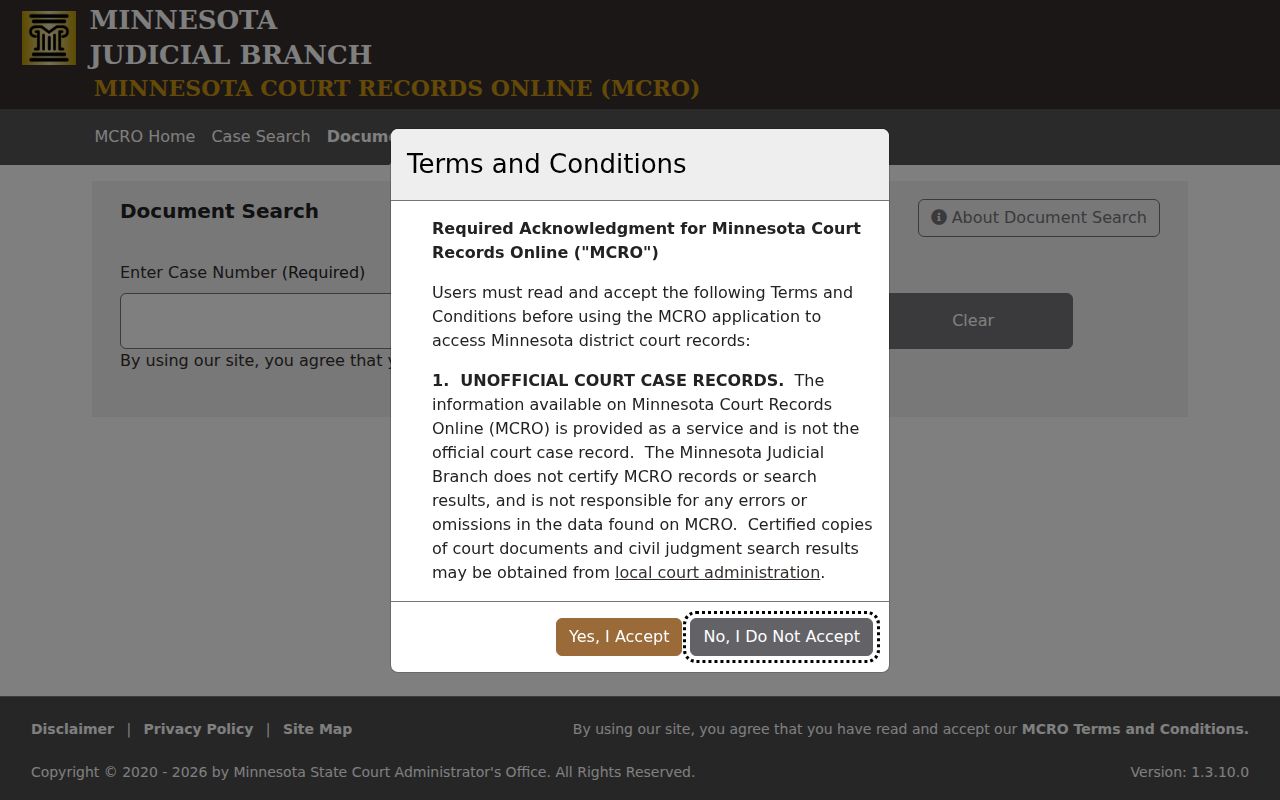
For a Washington County case search, the separate document tool works best once the case number is already in hand. Go there after Case Details has confirmed it.
How to Search by Case Number
A case number takes the guesswork out of a Washington County case lookup. Type it without spaces. Common patterns from the live Washington calendar and MCRO materials include 82-CR-YY-... for criminal matters and 82-VB-YY-... for violation or traffic-bureau matters. Civil matters follow 82-CV-YY-.... The letters mark the case category, and the number identifies the filing itself.
This MCRO route accepts numbers, hyphens, and letters. A wildcard search needs enough characters before the asterisk. For an unresolved traffic case, the separate Citation Number mode can be the better pick.
Washington Case Search Filters
Washington County case-search filters cover case category, case status, filing date, and local court location. They narrow results. They cannot expand remote access to a restricted record. Choosing Washington limits the statewide MCRO search to the county's District Court cases.
Washington Case Search Field Choices
The Washington County choice sits inside the statewide MCRO form. It is not a separate county database. The controls explain why a search can run broad or narrow. Start with only the facts you know are accurate. Then add filters if the results pile up.
| Field | Use | Washington County note |
|---|---|---|
| Name | Person or business lookup | Last and first name are required for the person route. |
| Case or citation number | Direct record lookup | Use no spaces; citation is its own search mode. |
| Date of birth or filed date | Optional exact date or range | Useful for separating similar names or limiting a time period. |
| Category and status | Case-type and activity filters | Civil, Criminal, Family, Probate or Mental Health; Active, Inactive, or All. |
| Court locations | Statewide or county selection | Select Washington for a local Washington County case search. |
Hit Clear to start over. MCRO's own instructions say to use its breadcrumb navigation, not the browser Back button, after opening records.
What a Case Search Shows
A public Washington County Case Details result is an index and procedural history. Courts call it the Register of Actions. It can show the case number, category, filing date, court location, status, caption, party roles, attorneys, event entries, hearings, dispositions, judgments, satisfactions, and public document links. A case-type label is not an outcome. Read the register in date order.
| Case Details | Core case information and the chronological Register of Actions. |
|---|---|
| Case events | Dated filings, hearings, orders, and other recorded actions. |
| Document index | A document reference that may or may not have a public online attachment. |
| Hearings | Date, location, judicial officer, hearing type, and connection information when public. |
| Disposition | A recorded outcome or status entry, not merely the case category. |
The public judgment search does not calculate a current amount due. For a case-specific balance, contact Washington County Court Administration.
Washington Case Details Register
The MCRO access overview calls the public system remote access, not the official certified record. A Washington County Case Details result can link to filings and hearing information. Still, what appears may be incomplete, dated, or limited by remote-access rules. A public document link is handy when present. Yet the courthouse record may hold more than the online result.
Check lookup results with Court Administration when it matters. That goes for a certified copy, a missing document, or any access question.
County vs Statewide Case Search
MCRO can search all of Minnesota or just Washington County. Statewide helps when the filing county is uncertain. The Washington filter is more efficient for a case known to sit in the county's Minnesota District Court. Neither option is an official certification. Neither replaces the records kept at the courthouse.
| Statewide MCRO | Washington County filter |
|---|---|
| Searches the participating Minnesota court locations selected by the user. | Limits the result set to Washington County District Court records. |
| Useful when the filing county is unknown. | Useful for a known local case or court date. |
| Still subject to remote-access limits and case-type restrictions. | Still subject to remote-access limits and case-type restrictions. |
Washington Case Hearing Search
Need only a hearing date? MCRO Hearing Search lets you filter Washington County settings by party name, case number, judicial officer, attorney, or hearing date. There is also a public Washington calendar. It comes out each business day and gets updated as things change. Still, courthouse screens remain the most current daily source.
Each calendar line shows the party name, hearing location, date, time, and judicial officer. It also lists the hearing type, connection type, and case number. If a setting is missing from the public calendar, that does not mean it was canceled. Check Case Details, the courthouse, or the court's appropriate contact channel to confirm any Washington County docket entry.
Where should you start? The official MCRO Case Search source is the screen where this Washington County case lookup begins.
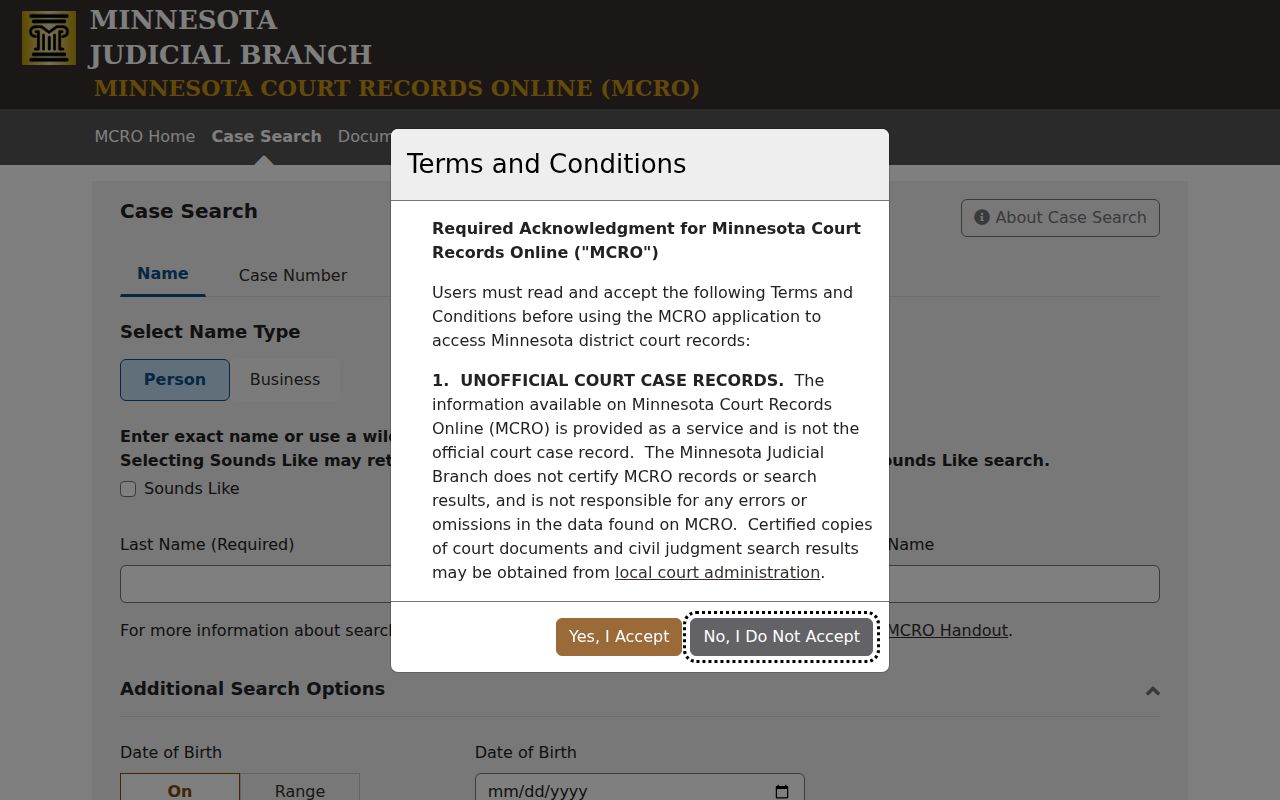
For a hearing's result, the main Washington County case lookup is still the place to connect it with its register entries.
Restricted Cases and Access Rules
What you can see remotely in Washington County is set by the Rules of Public Access to Records of the Minnesota Judicial Branch, effective August 26, 2025. It is not set by a routine county-data request. Minnesota Statutes section 13.90 agrees, treating judicial data access as a matter of court rules. Access may differ across the internet, a courthouse terminal, and a file an authorized party can view.
Some Washington County records stay confidential or limited. Juvenile, sealed, expunged, and certain protected matters are among them. Family, civil-commitment, protected-address, financial, medical, and exhibit material may also be restricted document by document. MCRO can omit street addresses and comment fields. So a name that returns nothing may just mean a pending case is suppressed. It does not mean no Washington County file exists.
Access route: A person seeking a sealed or confidential Washington County record must use the Judicial Branch access forms and obtain the authorization the court requires. A public-copy request does not override a seal.
Washington Courthouse Case Access
Remote MCRO costs nothing, needs no registration, and covers the public information well. When a Washington County case lookup comes up short online, the Minnesota Public Access Courthouse terminal, called MNPAC, offers fuller electronic access. For older paper files, microfilm, certified copies, or questions about a specific case, Court Administration handles those too.
Washington County Court Administration
14949 62nd St N
Stillwater, MN 55082
(651) 413-8030
Weekdays, 8:00 a.m. to 4:30 p.m.; records option #6.
Note: Bring the case number, or the best party and approximate filing details you have, when asking Court Administration to locate a Washington County file.
Washington Case Judgment Search
MCRO Judgment Search answers one narrow Washington County case-search question. Is a docketed monetary judgment or a satisfaction visible by debtor name? It does not replace Case Details. It also cannot give you a complete current balance. Non-monetary outcomes appear elsewhere. A dismissal or dissolution shows up in the dispositions of the underlying case record instead.
The official Judgment Search interface stands as its own public tool. Read any judgment result alongside the case number and the recorded satisfaction information. For an official document or a question about the file, contact Washington Court Administration.
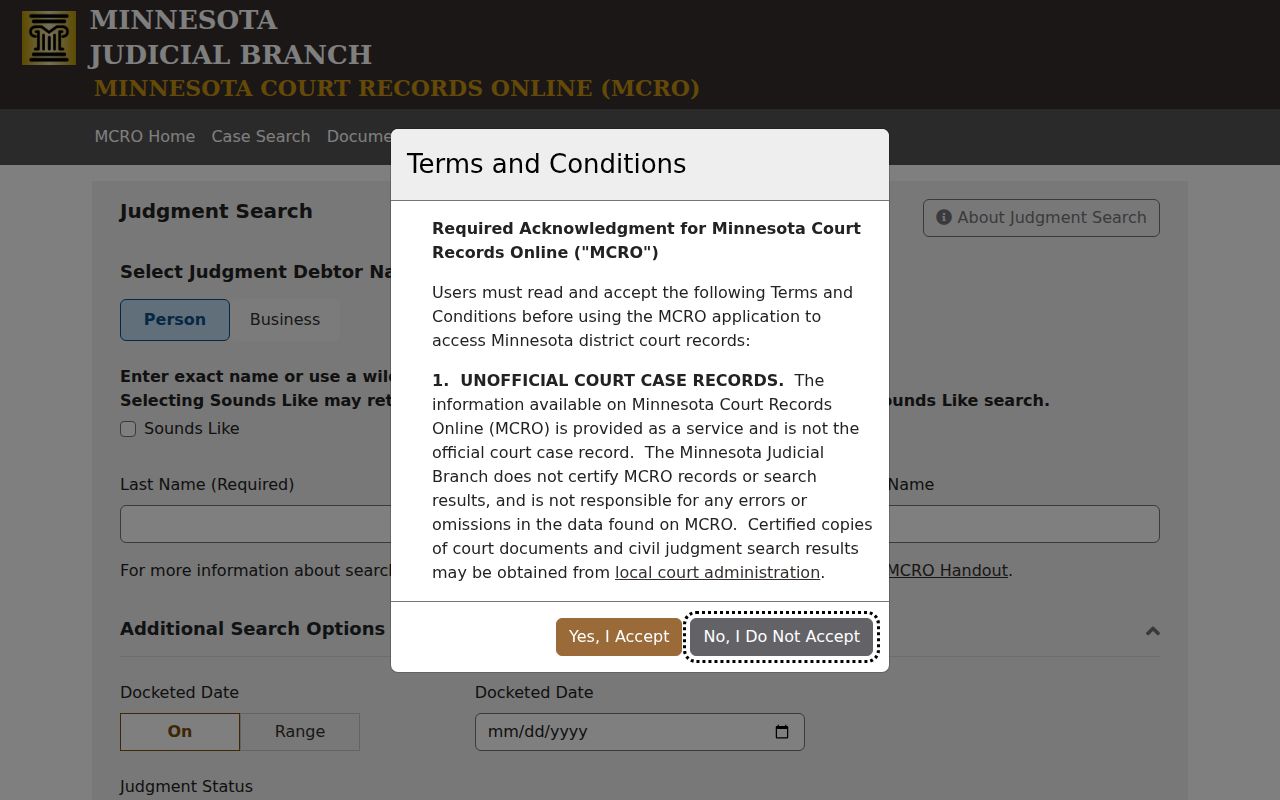
A Washington County judgment search is one focused piece of the wider case lookup, not a substitute for the complete register.